Header Background Image

Add Listing:

Required: Service Name, Category, Address, Contact Name & either Email or Phone details.
Website, Picture & Video are optional.
  1. 1Name
  2. 2Category
  3. 3Address
  4. 4Contact
  5. 5Details
  6. 6Listing

Start with the name

Enter the Business or Service Name. The next step appears as soon as you begin.

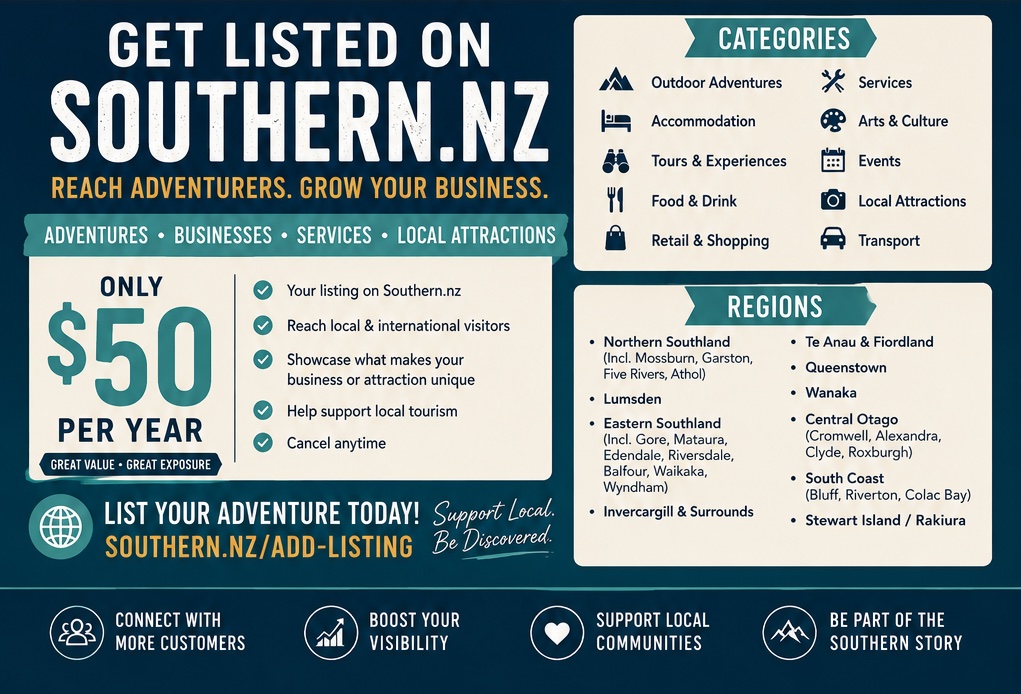
Select a category

Choose the category that best describes the business, attraction or service.

Add a verifiable location

The address must resolve inside a Southern NZ overarching area and region.

Enter the address above so its area, region and closest town can be verified.

Who can we contact?

Add a contact name and either an email address or phone number. You may add both.

Bring the listing to life

Describe the service, then add a website, picture or video when available.

Make it more engagingWebsite, Picture and Video are optional. Add one, two, all three, or leave them blank.

Choose the listing option

Every submission is saved as Pending. Payment records the chosen option, but a human must approve the listing before its status is applied.

Note